How
Should
Manufacturers
Secure
Third-Party
and
Vendor
Remote
Access?


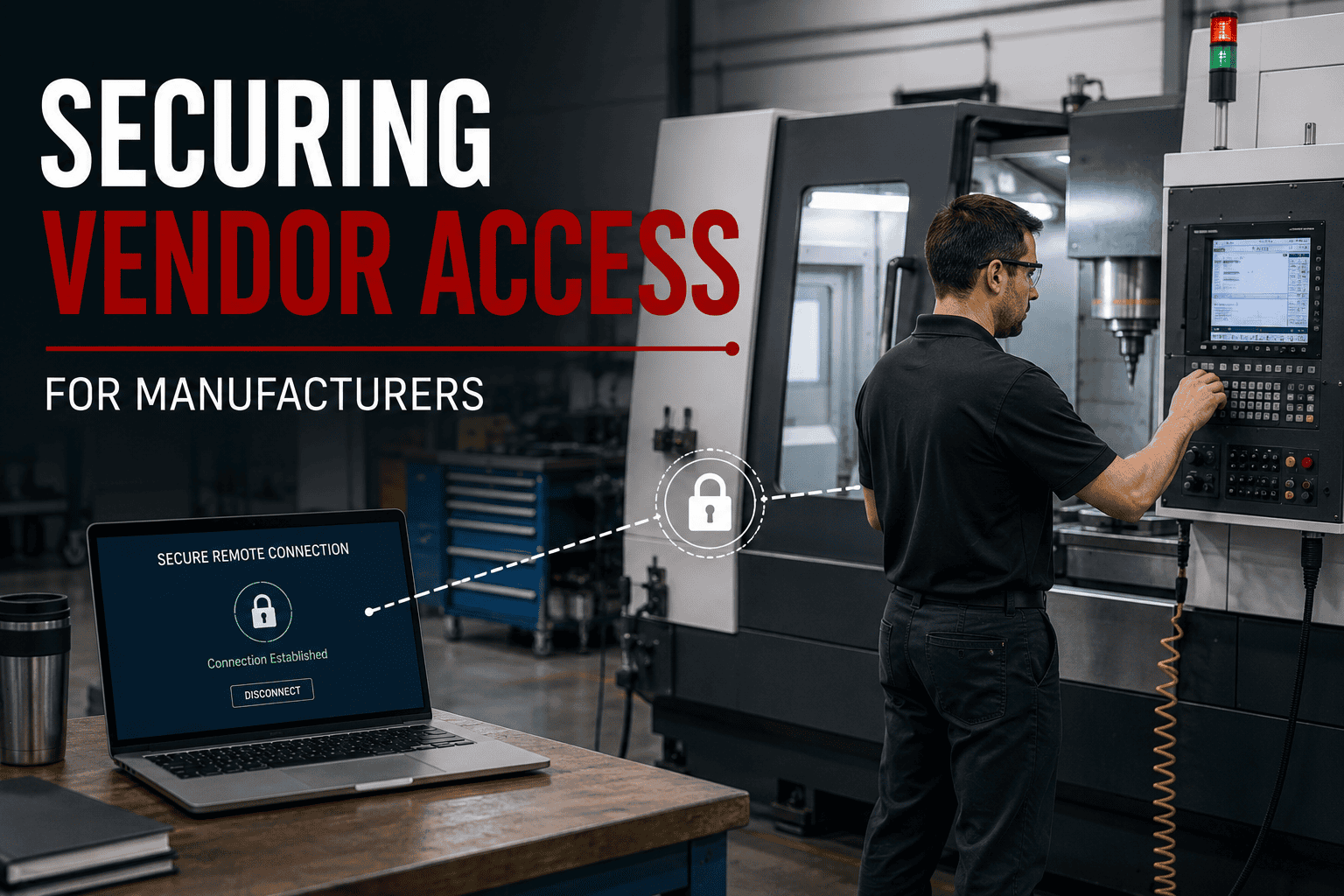
Manufacturers should secure third-party remote access by controlling who can connect, how they authenticate, which systems they can reach, when access is permitted, and what happens after the work is complete.
Manufacturers cannot effectively secure vendor access until they know who can connect.
Start with an inventory of every third party that currently has remote access to the environment. That inventory may include:
For every vendor, document who has access, why access is required, how the connection is made, which systems can be reached, and who inside the company owns the vendor relationship.
A useful vendor-access inventory can be built around six questions:
This process can identify connections that were established years ago for an installation, repair, or project but were never removed afterward. Manufacturers should be able to produce a current list of outside organizations that can remotely enter the environment. If that list does not exist, creating it is a useful first step.
Remote access should be tied to an identifiable person whenever the technology allows it.
Generic accounts such as VendorSupport create accountability problems when multiple people know the same username and password. If five vendor technicians share one account, a log showing that VendorSupport connected at 11:43 p.m. does not necessarily identify the person who actually made the connection. Individual accounts provide better visibility.
Manufacturers should also use multi-factor authentication (MFA) for remote access where supported. MFA requires another form of verification beyond a password, reducing reliance on a single credential.
Vendor authentication should address four areas:
Legacy manufacturing technology can complicate this process. A machine installed 10 or 15 years ago may rely on software that was never designed to support modern authentication. In those situations, manufacturers can evaluate whether stronger authentication can be implemented at the remote-access layer before the vendor reaches the legacy equipment.
The inability to add MFA directly to one machine does not necessarily mean the entire remote-access process has to rely only on a password.
Vendor access should follow the principle of least privilege.
A technician troubleshooting one CNC machine does not automatically need access to file servers, employee computers, accounting systems, Microsoft 365, other production equipment, or the rest of the corporate network. Access can be restricted across several dimensions.
Allow access only to the equipment or application the vendor supports.
Provide only the permissions required to perform the approved work.
Authorize specific vendor personnel instead of everyone employed by the vendor.
Where practical, make access available during an approved maintenance or support period rather than leaving it continuously available.
Consider a machinery vendor scheduled to troubleshoot equipment between 1:00 p.m. and 3:00 p.m. The business requirement is approximately two hours of access to a particular system. That is different from a business requirement for unrestricted access to the production network every day of the year.
Time-limited access can be particularly useful for vendors that connect only occasionally for maintenance or troubleshooting.
Manufacturing networks can contain a combination of traditional information technology, operational technology, and specialized production systems.
Traditional IT may include workstations, servers, Microsoft 365, business applications, file storage, email and ERP systems. Production-related and OT environments may include CNC equipment, industrial control systems, PLCs, HMIs, production machinery, industrial IoT devices and specialized manufacturing systems.
Not every device needs unrestricted communication with every other device. Network segmentation can create boundaries based on the systems functions and communication requirements. For example, a vendor supporting a CNC machine may need a controlled path to that equipment without needing a path to the accounting network.
Segmentation becomes especially important when dealing with legacy equipment. Manufacturing equipment can remain productive much longer than a typical office computer. A machine may continue producing parts reliably even though its underlying operating system or software no longer receives modern security updates. Replacing the computer may also be difficult if proprietary software, controllers, drivers, or the machinery itself depends on the existing configuration.
When those systems cannot be modernized immediately, manufacturers can consider additional controls around them, so a good model to use is: Legacy System + Segmentation + Restricted Access + Monitoring.
The appropriate design depends on the equipment and production requirements, but an older system does not have to be given unrestricted access to the rest of the environment simply because it cannot be upgraded.
Manufacturers should have visibility into third-party remote access where their technology supports it.
Useful connection information can include:
Logging becomes valuable when investigating suspicious activity. For example, if an organization detects unusual activity at 2:15 a.m., remote-access logs can help determine whether a vendor account was active during that period.
Monitoring should also reflect the manufacturer operating environment. Activity at midnight is not automatically suspicious for a manufacturer operating three shifts. The same activity may deserve additional attention if the vendor normally connects only during scheduled daytime maintenance.
The objective is to establish enough visibility to distinguish expected vendor activity from activity that deserves investigation. Manufacturers with 24-hour operations should also consider whether their cybersecurity monitoring continues outside normal office hours.
Vendor access should have an end point.
Remote access can remain active long after the original reason for creating it disappears. Equipment gets replaced. Projects end. Support contracts change. Vendor employees leave. Companies switch suppliers. Access should change with those events.
Manufacturers should review vendor access after events such as contract termination, equipment replacement, project completion, vendor changes, vendor employee departures, security incidents and major network changes.
Periodic reviews can identify accounts and connections that no longer have a legitimate business purpose. No current business requirement means no current remote access.
Manufacturers should also consider the removal process when access is first approved. If a vendor receives temporary access for a project scheduled to finish on Friday, determining on Monday who will eventually remove that access is better than discovering six months later that the account is still active.
Simplify your IT management with a dedicated partner delivering exceptional support. Tell us where technology is slowing your business down and we will show you exactly how we would fix it, backed by our 6-Month Client Satisfaction Guarantee.

Expires in


Limited time offer
We rebuilt your site for you. Claim it and we handle everything transfer, hosting, and your domain. Then update it anytime, just by asking AI.
 Claim limited offer now